What is a wigglegram?
Learn what a wigglegram is, why alternating viewpoints create a 3D-like effect, and how it differs from a Live Photo or ordinary GIF.
Read the guideA direct-flash camera for iPhone
Capture five viewpoints and turn any portrait, object, or moment into a looping wigglegram.
Wiggle 3D, plainly explained
A wigglegram is a short loop made from several photos of the same subject at slightly different viewpoints. Alternating those frames reveals parallax, making a flat image feel deeper without a headset or special glasses.
Learn what a wigglegram is, why alternating viewpoints create a 3D-like effect, and how it differs from a Live Photo or ordinary GIF.
Read the guideA practical five-step iPhone wigglegram guide covering capture, camera movement, frame alignment, loop order, cropping, and export.
Read the guideTap once, move around your subject, and let Wigglegram build the loop.
Live guidance handles the technical part so you can stay with the moment.
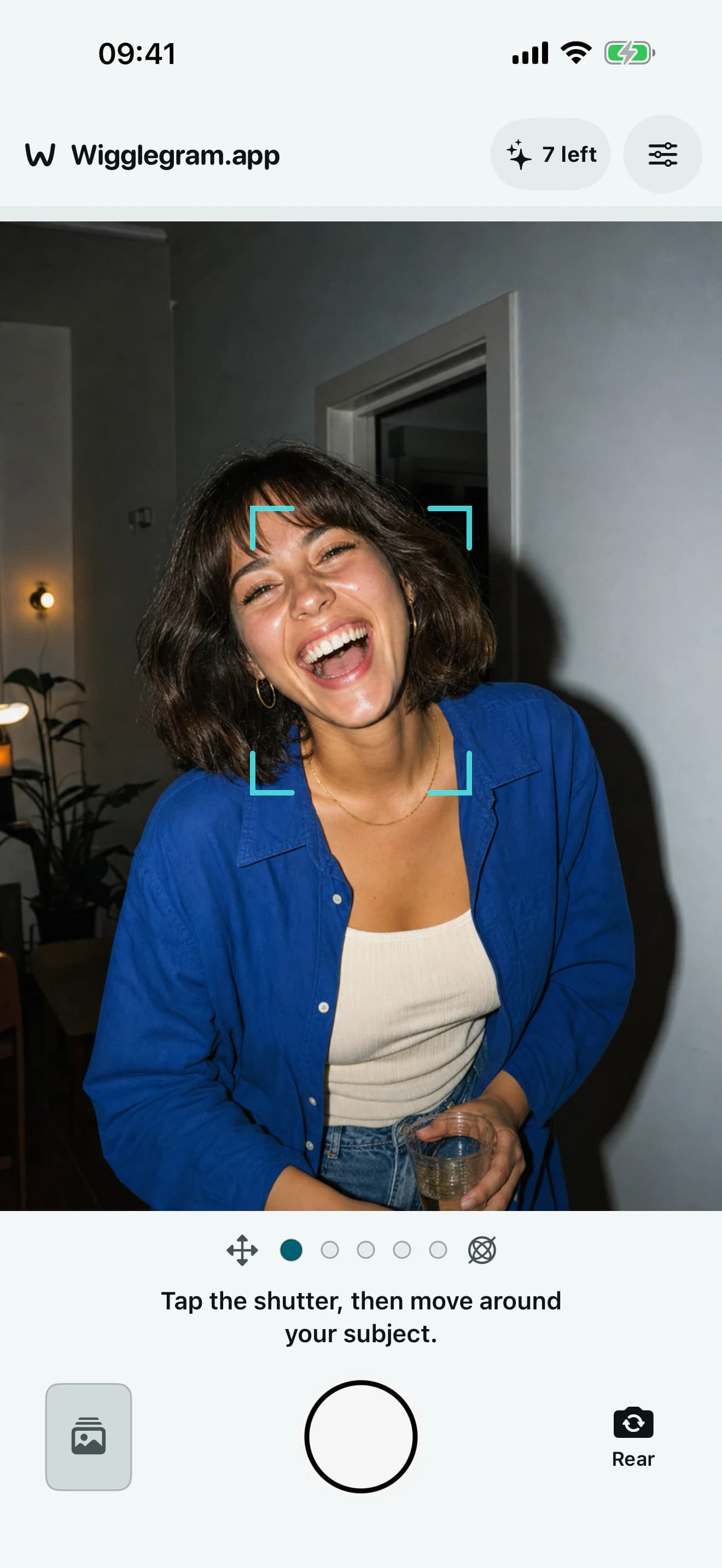
One tap starts a guided five-frame capture.
Step sideways, arc around, or change the phone angle.
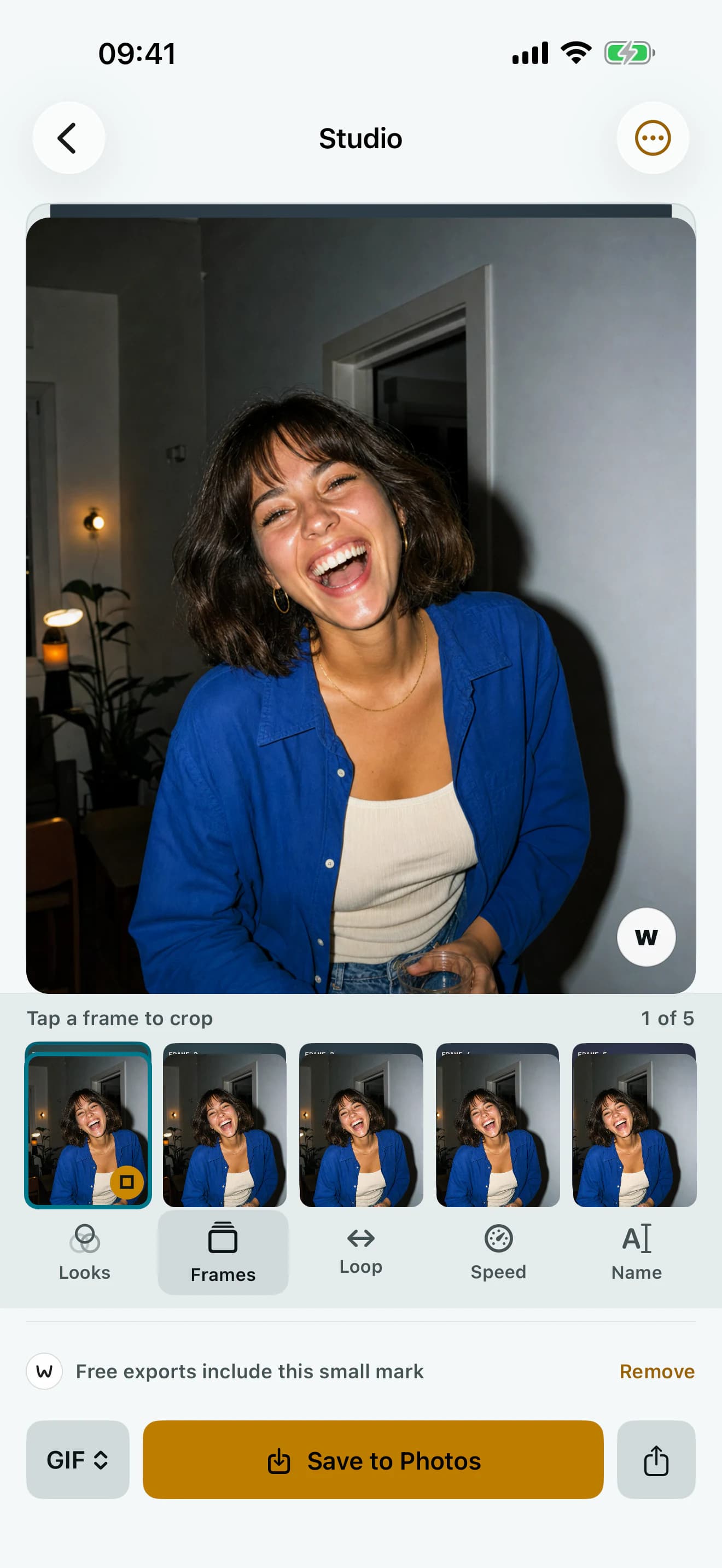
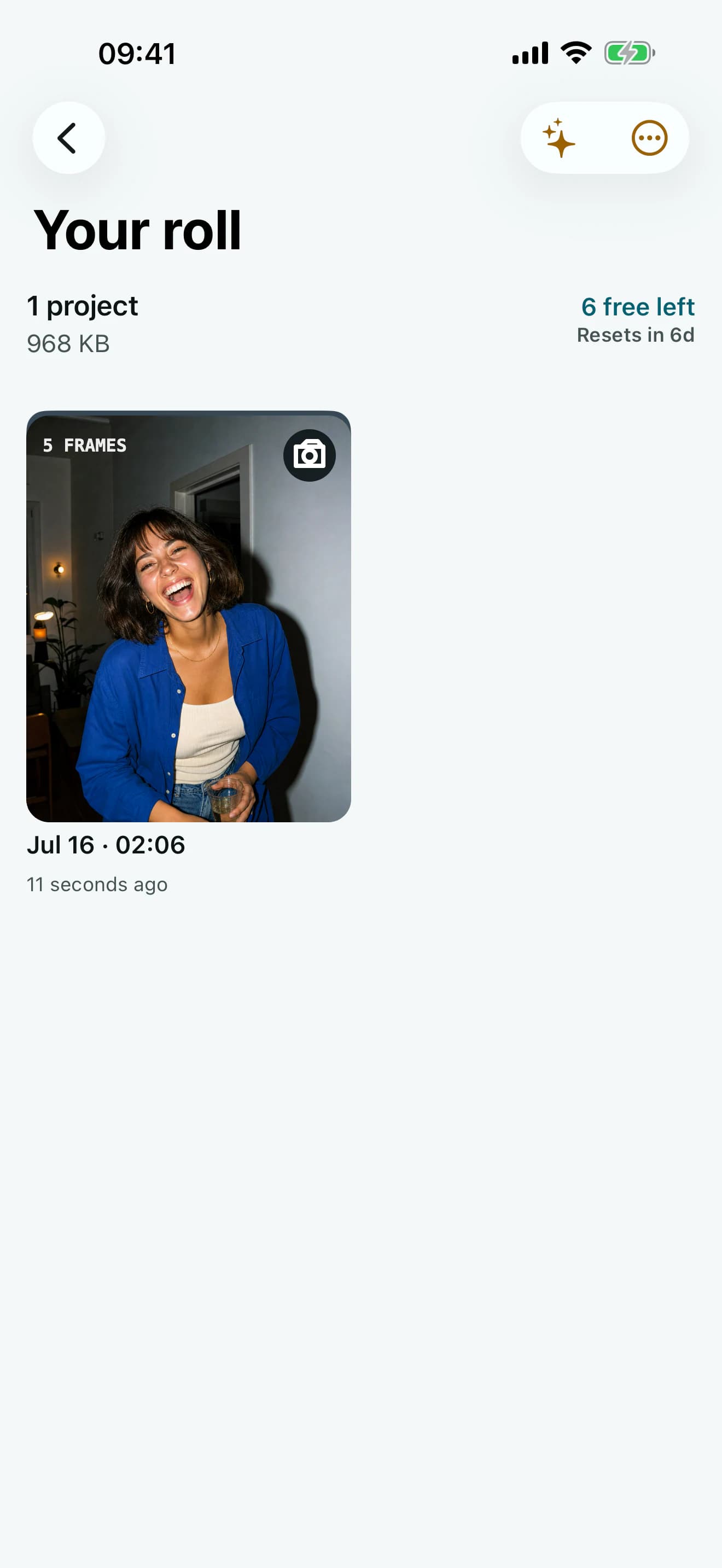
The five viewpoints become a loop you can refine and share.
Shape the loop without turning a playful photo into an editing project.
Keep the subject steady across all five views.
Bounce, move forward, or play it in reverse.
Slow it down or give it a quick, tactile snap.
Keep it original or add a restrained film treatment.
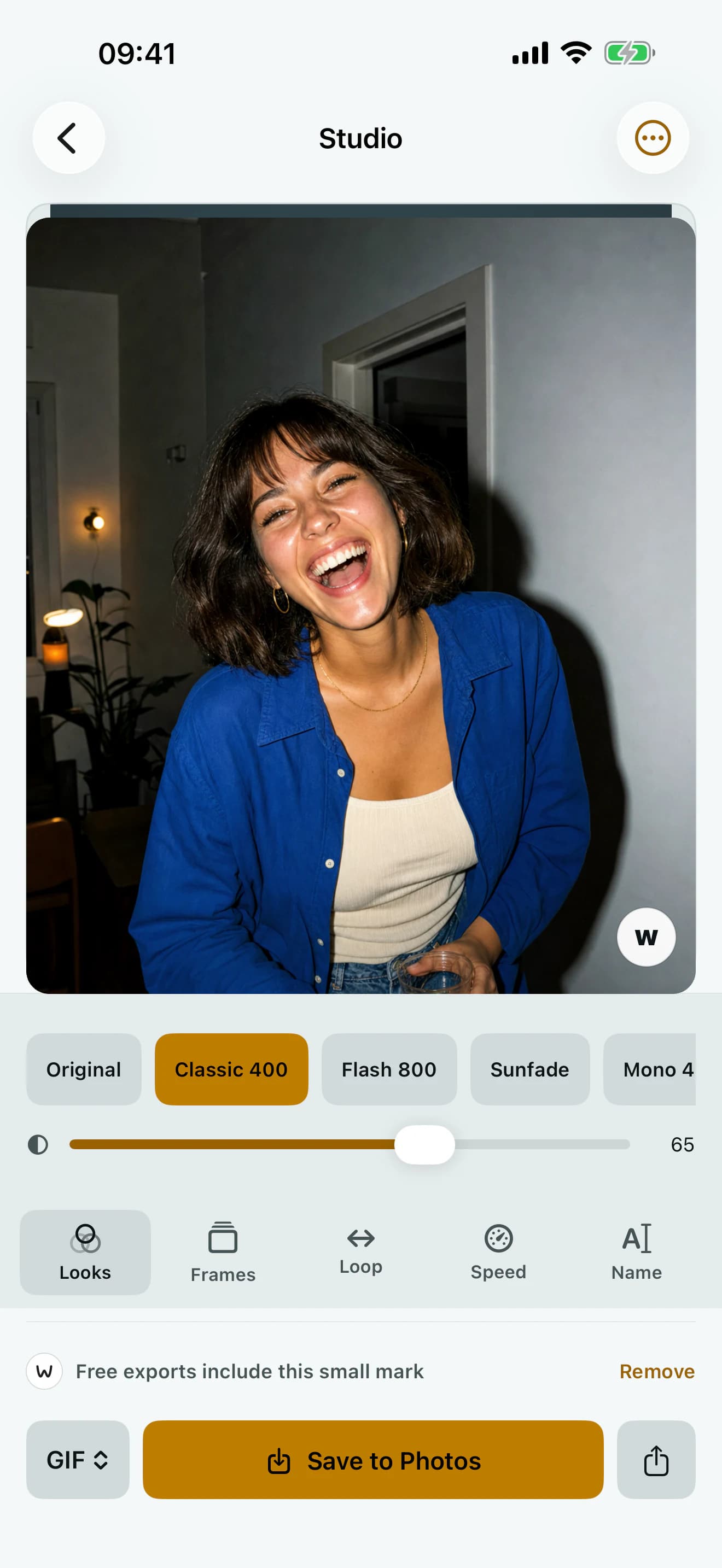
Everything happens in a compact, camera-first flow on your iPhone.
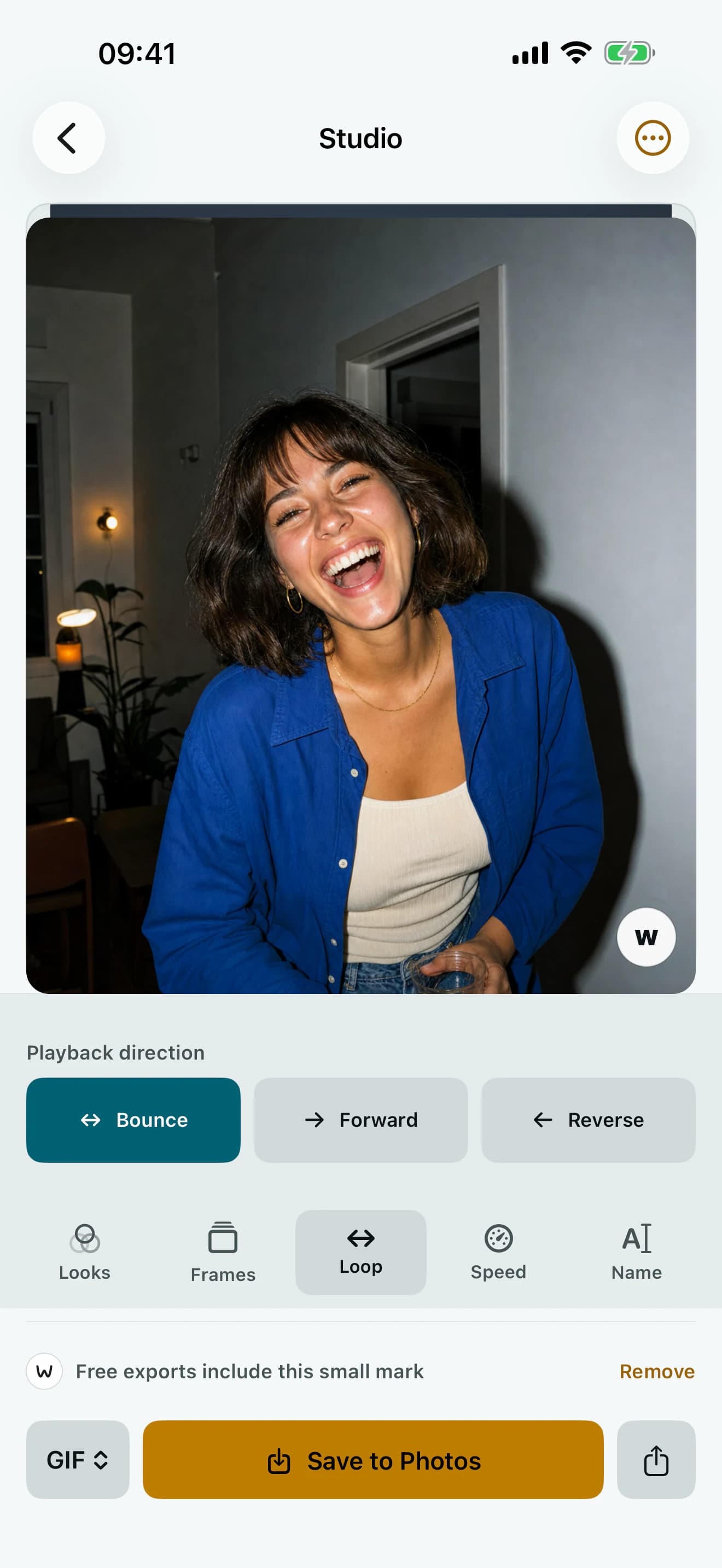
Capture, face tracking, editing, and rendering stay on-device unless you choose to share the result.
Read the full privacy policy
Download Wigglegram on the App Store.